
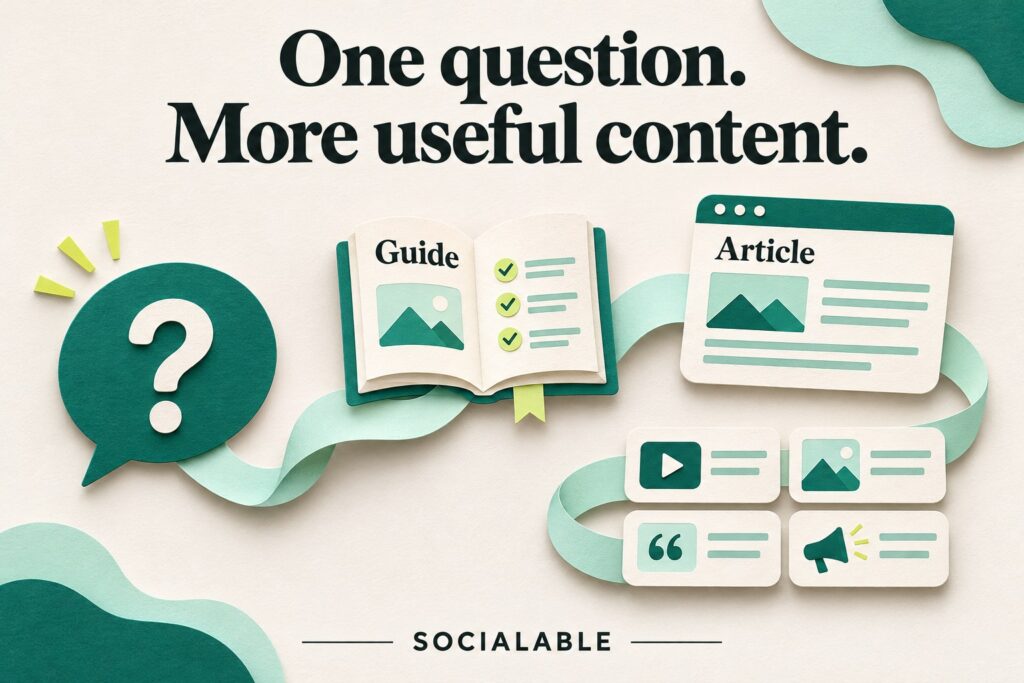
A useful month of content can start with a question your team has already answered. The opportunity is in the explanation: what the customer is trying to decide, what affects the answer and what your experience helps them understand.
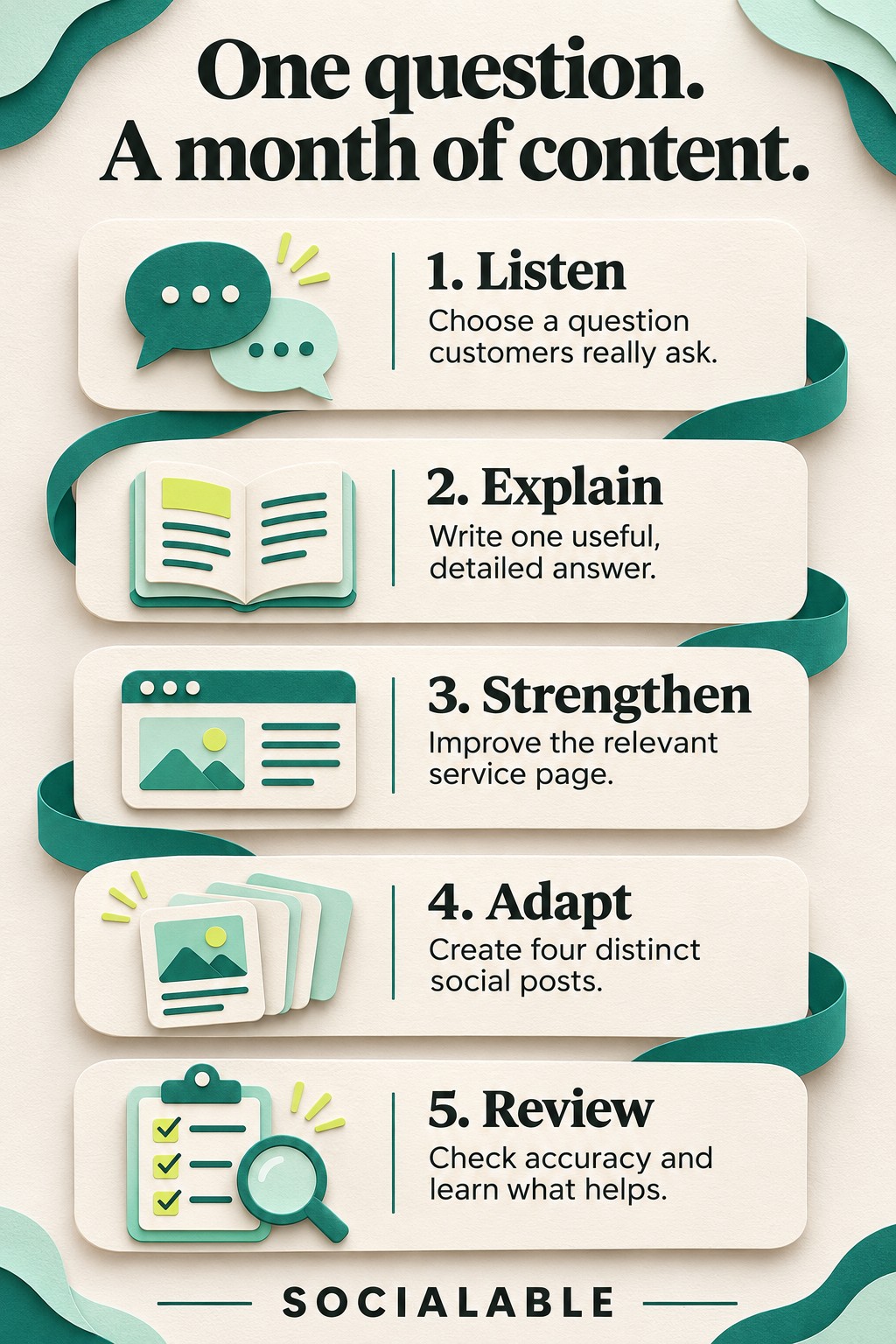
The method below turns one question into a website guide, a focused service-page improvement and four different social posts. It gives each piece a purpose, so you have more to say than “read our latest blog”.
Choose a question close to a buying decision
Ask whoever handles enquiries which questions keep coming up. Look through recent quote conversations, meeting notes and messages, removing identifying information before sharing them. Keep the customer’s wording: it often reveals the uncertainty better than your internal service names do.
A strong topic is relevant to work you want, has an answer you can explain from experience and offers enough detail to help someone decide. “What do you charge?” may need more context; “What changes the cost of fitting storage under a sloping ceiling?” gives you something concrete to unpack.
For this illustrative example, imagine a kitchen fitter being asked: “Can we keep our cabinets and replace the doors?” The customer is weighing a refresh against a larger replacement. The fitter needs to explain what they would assess rather than promise that every kitchen is suitable.
Gather the answer before you write
A short conversation with the person who does the work is more useful than guessing what an expert would say. Ask what they check, what would change their recommendation, which options they explain and what the customer needs to provide.
- What does the question mean in practice?
- What facts do you need before giving a confident answer?
- What are the main options and trade-offs?
- Is there a real project you have permission to describe?
- What should a reader do next?
Separate confirmed facts from details still to check. If there is no suitable project, publish an explanation using a clearly labelled hypothetical example. Do not turn an imagined scenario into a customer testimonial or an implied result.
Make the website guide the complete explanation
Answer the question near the beginning, then explain the conditions. For the kitchen example, a useful structure would cover what the fitter inspects, how those findings affect the options, what photographs help at the enquiry stage and why a visit may still be needed.
Use photographs to explain a particular detail, not simply to decorate the page. Ask the subject expert to check the finished text for accuracy and for promises the business cannot make. A reader should understand both what can be answered online and what needs an individual assessment.
Keep the guide proportionate to the question. Google’s people-first content guidance explicitly rejects the idea of a preferred word count. The useful test is whether a reader can make progress after reading.
Give the relevant service page a shorter answer
The service page serves someone deciding whether to enquire. Add a concise explanation where that uncertainty arises, then link to the guide for the full reasoning. Avoid copying the entire article into the page.
In the example, the service page could explain that a door replacement starts with an assessment of the existing kitchen, describe the next step and point to the detailed guide. The service page and article now support different stages of the same decision.
Plan four posts with four different jobs
- Answer the question. Introduce the decision and one important condition. Invite readers to the full guide when they need the detail.
- Show what you look for. Use an approved close-up and explain one inspection point in plain language. Let the expert verify the caption.
- Explain a trade-off. Compare two options without claiming one is always better. Describe the circumstances that would change the recommendation.
- Help someone enquire. Explain what information or photographs to send and what the business can establish from them.
These can form a four-week sequence, but the dates should suit your workload and audience. Each post needs to make sense without the others. Repeating the same opening sentence with a different image will quickly feel repetitive.
Use a brief that keeps production moving
For each post, record the customer question, its single takeaway, the image, the next step and the approver. Keep the final text and approved image together so whoever publishes it does not have to reconstruct the decisions.
Review the website piece and the four posts together. Check that prices, service descriptions and conditions agree. If the full guide changes later, review the related service-page answer and any scheduled posts too.
Let the next conversation guide the next topic
Record useful replies and the questions people ask in enquiries. A popular post may still attract the wrong audience; a quieter one may answer an important question for a suitable buyer. Look at available visits and enquiries alongside those conversations rather than judging the month by likes alone.
Start by writing down three recent customer questions and choosing the one you can answer with the strongest evidence. Our job photography guide helps you collect the accompanying material. The SEO & Social Content programme provides this connected publishing process each month.